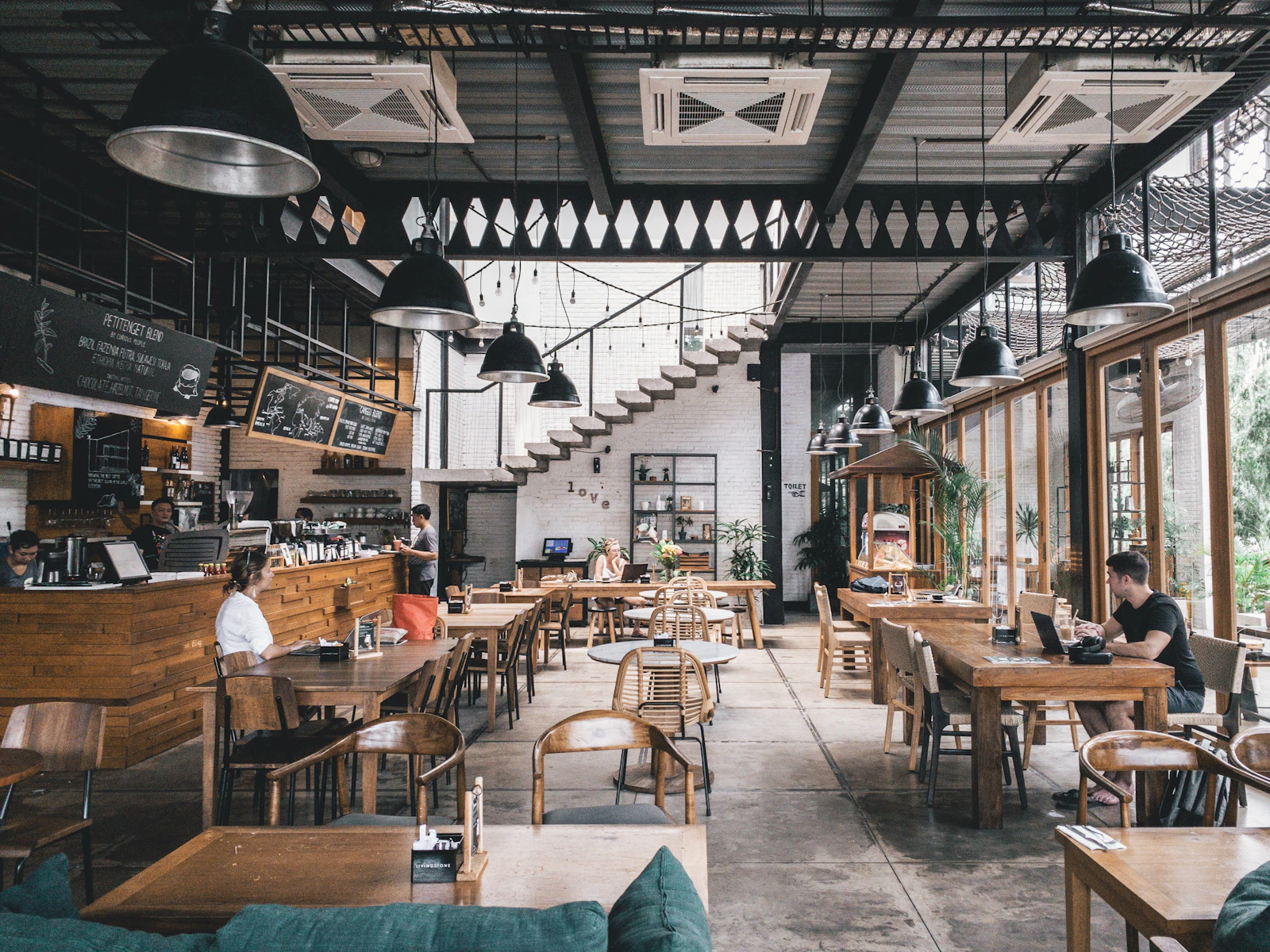
If you run a restaurant or cafe, you know how critical staff training is. However, traditional training methods can be time-consuming, expensive, and often ineffective. Especially for teams working under intense pace, long seminars or thick training manuals are not practical. This is where microlearning comes in. With short, focused, and visual content, you can help your staff quickly grasp and apply information. In this article, I will explain how microlearning can be applied in the restaurant industry, how it improves service quality, and how it can be integrated with digital menu systems.
What is Microlearning and Why is it Suitable for Restaurants?
Microlearning is a training approach that delivers information in small, manageable chunks. It usually takes the form of 3-5 minute videos, infographics, or short quizzes. This method is ideal for restaurant staff because:
- Time is limited: Waiters and chefs can train during short breaks between busy hours.
- Attention span is limited: Short content improves retention.
- Hands-on learning: Videos visually demonstrate proper service techniques or customer communication.
- Cost-effective: A video prepared once can be used repeatedly.
For example, a wine service video can convey proper opening, presentation, and pairing information in 2 minutes. Staff can watch the video and immediately put it into practice.
5 Ways to Improve Service Quality with Short Videos
You can significantly enhance your service quality by using microlearning videos in the following areas:
- Customer Greeting and Communication: Reinforce basic skills like smiling, eye contact, and polite greetings with 1-minute videos.
- Menu Knowledge: Create short videos about the content of most-asked dishes, allergens, and recommendations.
- Service Steps: Show step-by-step procedures like clearing plates, refilling water, and presenting the bill.
- Complaint Management: Role-play scenarios for handling difficult customers.
- Hygiene and Safety: Visualize rules for hand washing, glove use, and food storage.
Add a short quiz or checklist at the end of each video to reinforce learning.
How to Prepare Microlearning Content?
Follow these steps to create effective microlearning videos:
- Set a goal: Each video should focus on a single topic, e.g., “How to hold a wine glass correctly.”
- Keep it short: Maximum 5 minutes. Ideal duration is 2-3 minutes.
- Use visual and audio elements: Demonstrate rather than text, use background music if appropriate.
- Add subtitles: Important for hearing-impaired staff or noisy environments.
- Use real scenarios: Film in your own restaurant to use a familiar environment.
Store videos on a cloud platform so staff can access them from their mobile devices.
Integrating Microlearning with Digital Menu
Digital menu systems provide a natural platform for microlearning. For example, if you use a QR menu system like qrmenu.link, you can add training video links next to menu items. Staff can scan the QR code on the menu to watch the relevant video and learn details about a dish. This makes training part of the workflow.
Moreover, when a new product is added or the menu changes, you can instantly create updated video content to help staff adapt quickly. Digital menus allow you to manage training materials from a central location.
Staff Motivation and Continuous Development
Microlearning not only conveys information but also increases staff’s desire for self-improvement. Completing short videos creates a sense of achievement. Additionally, you can encourage competition by adding gamification elements like leaderboards or badges.
Ask your staff which topics they want more training on and tailor content to their needs. This boosts engagement and learning motivation.
Tips for Success and Common Mistakes to Avoid
Here are some points to consider when implementing microlearning:
- Update regularly: Old videos may contain incorrect information. Review monthly.
- Include everyone: Not just new staff, but experienced employees should also take refresher training.
- Get feedback: Collect opinions from viewers through surveys.
- Don't overcomplicate technology: Prefer simple and accessible solutions over complex tools.
- Measure application: Observe changes in service quality and track customer reviews.
The most common mistake is making videos too long or making viewing mandatory. Make learning fun and voluntary.
Cost and Time Savings with Microlearning
Traditional training incurs high costs due to trainer fees, venue rental, and staff hours away from work. Microlearning saves money in the long run because content prepared once can be reused. Additionally, staff training during short breaks at work minimizes labor loss.
For example, instead of calling all staff to a 2-hour meeting for a new menu launch, you can prepare five 3-minute videos and complete training in just 15 minutes total. This saves both time and money.
Conclusion and Recommendations
Microlearning is a modern, effective, and low-cost method to improve your restaurant staff's service quality. With short videos, you can quickly convey information, boost staff motivation, and increase your business's competitiveness. By integrating with digital menu systems, you can make training a natural part of the workflow. Remember, a well-trained team is the key to customer satisfaction.
If you want to start digital transformation in staff training, consider a QR menu system like qrmenu.link to simplify menu management and centralize training content. With a low annual fee, commission-free, and multilingual structure, this system adds value to your business. Why not give it a try?
Frequently Asked Questions
How long should microlearning videos be?
The ideal duration is 2-3 minutes, with a maximum of 5 minutes. Short videos prevent distraction and aid retention.
Do I need expensive equipment to implement microlearning?
No, you can shoot simple videos even with a mobile phone. The important thing is that the content is clear and focused. Professional equipment is not necessary.
What if staff don't watch the videos?
Instead of making viewing mandatory, use incentives. For example, include short quizzes at the end or give badges to those who complete them. Also, keeping videos short and engaging increases participation.
Which topics are most suitable for microlearning?
It is ideal for procedural information (service steps, hygiene rules), product knowledge (menu contents, wine pairing), and customer communication.
How can I combine digital menu with microlearning?
In your QR menu system, you can add a link to the relevant training video next to each menu item. Staff can watch the short video while taking orders to refresh their knowledge.


