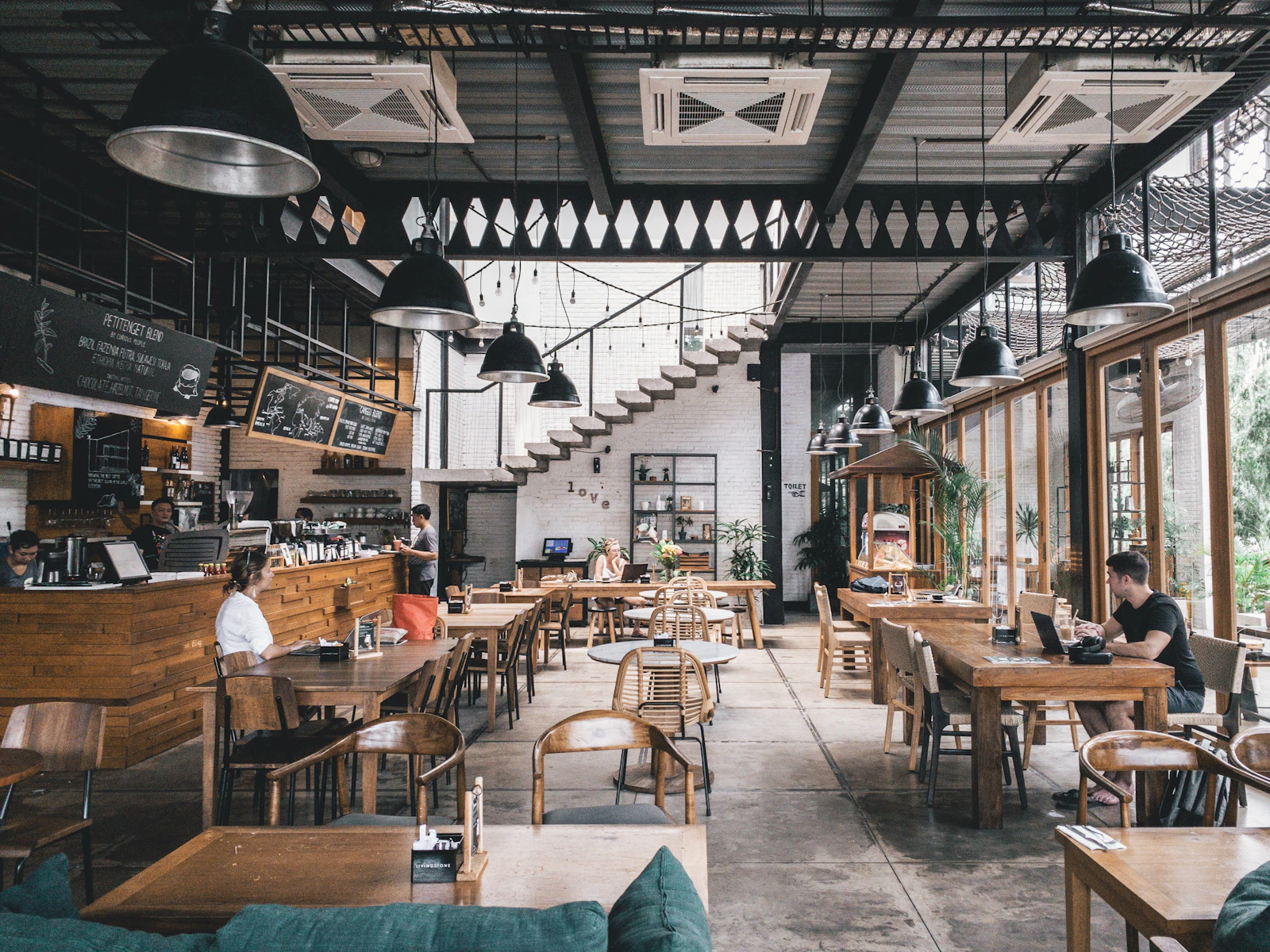
Why Should You Switch to a Digital Menu?
In today's restaurant management, guest experience is everything. Digital menus allow you to offer your customers a hygienic, fast, and interactive menu. Additionally, menu updates are made instantly, printing costs are eliminated, and data analysis lets you see which dishes are preferred more. Especially after the pandemic, demand for contactless solutions has increased. A digital menu both increases customer satisfaction and boosts your operational efficiency.
Step 1: Determine Your Needs
Before switching to a digital menu, analyze your restaurant's size, menu variety, and target audience. Seek answers to the following questions:
- How often is your menu updated?
- How tech-savvy are your customers?
- Do you need to offer the menu in multiple languages?
- Is integration with your current POS system important?
Your answers to these questions will help determine which digital menu solution is right for you.
Step 2: Choose the Right Platform
There are many digital menu platforms on the market. When choosing, pay attention to the following criteria:
- Ease of use: Can you update the menu yourself?
- Multilingual support: Does it offer language options for foreign customers?
- Commission policy: Does the platform charge a commission per order? A fixed fee model may be more advantageous.
- Customization: Can you design the menu to match your restaurant's concept?
For example, platforms like qrmenu.link that work with an annual fixed fee and offer Excel-like management are ideal for small and medium-sized businesses.
Step 3: Transfer Your Menu to Digital Format
When converting your existing menu to digital format, pay attention to the following points:
- Images: Add food photos. Research shows that visual menus increase sales.
- Descriptions: Write short and clear texts. Don't forget to include allergen information.
- Categorization: Divide your menu into logical categories like appetizers, main courses, desserts.
- Pricing: Clearly state prices. Since you can make updates instantly, you can reflect price changes immediately.
Step 4: Create and Place Your QR Codes
Once your digital menu is ready, create QR codes for customers to access. Static QR codes allow you to use the same code even if the menu changes. Place the codes in the following spots:
- In an elegant frame on the table
- At the entrance door or in the window
- On receipts or invoices
Adjust the size and position of QR codes so customers can easily scan them with their phones.
Step 5: Train Your Staff and Inform Your Customers
Involving your staff in the transition to a digital menu is important. Explain to your waitstaff how QR codes work and how to assist customers. Inform your customers via table cards, social media, or email. Some customers may be hesitant at first, but be patient and always keep a printed menu as an alternative.
Step 6: Monitor Performance and Improve
After launching your digital menu, regularly analyze it. Which dishes are clicked more? How much time do customers spend on the menu? Optimize your menu based on this data. For example, you can remove less-clicked items or make them more appealing. Also, collect customer feedback to improve the experience.
Common Mistakes When Switching to a Digital Menu
It's important to avoid some common mistakes during the transition to a digital menu:
- Complex design: Don't clutter your menu with unnecessary visuals; keep it simple and readable.
- Forgetting to update: Keep content constantly updated to not lose the advantage of a digital menu.
- Ignoring mobile compatibility: Ensure your menu displays correctly on all devices.
- No backup plan: Have an alternative like a printed menu in case of power outage or technical failure.
Conclusion: Step into the Future with a Digital Menu
A digital menu is an effective way to modernize your restaurant and improve customer experience. By following our step-by-step plan, you can manage the transition smoothly. Remember, choosing the right platform is key to success. A system like qrmenu.link, managed with Excel-like ease, multilingual, and commission-free, provides both time and cost advantages for your business. Take action now and prepare your restaurant for digital transformation.
Frequently Asked Questions
Do I need technical knowledge to switch to a digital menu?
No, most platforms offer user-friendly interfaces. You can easily update your menu via Excel or a simple panel.
Is a digital menu more expensive than a printed menu?
In the long run, a digital menu is more economical. Printing and update costs are eliminated. Also, platforms with annual fixed fees won't strain your budget.
Will my customers have trouble using QR codes?
Most customers use smartphones and scanning QR codes is quite simple. Still, you can ease the transition by also providing a printed menu initially.
Is it mandatory to use images in a digital menu?
While images increase sales, they are not mandatory. Keeping your menu simple and readable is also important for customer satisfaction.
Is a digital menu secure?
Pay attention to platform selection. Reliable providers take data protection measures. Since you manage your menu yourself, control is in your hands.


