Your Google Business Profile is the digital storefront of your restaurant or cafe. Potential customers use this profile to find you, view your menu, learn your hours, and read reviews. However, many business owners fall behind in local searches because they don't fully optimize their profile. In this article, I'll explain how to improve your Google Business Profile step by step and attract local customers.
Fill Out the Profile Completely and Accurately
Missing or incorrect information leads to customer loss. Enter your business name, address, phone number, website, and hours of operation completely. Especially update regularly for holidays and special hours. Make sure your address is correctly positioned on Google Maps. When selecting categories, add your primary category (e.g., "Restaurant") and, if possible, secondary categories ("Pizza Restaurant", "Italian Restaurant").
Stand Out with Visuals
High-quality photos increase your profile's click-through rate. Add photos of the interior, exterior, dishes, menu, and team. Also add videos to reflect the atmosphere. Update visuals regularly; upload new photos for seasonal menus or events. If professional photography isn't possible, clear phone photos taken in good light also work.
Manage and Respond to Reviews
Customer reviews are one of the most important factors for local SEO. Thank positive reviews, and respond to negative reviews constructively and professionally. Be sincere in your responses and focus on solving the problem. As the number of reviews increases, your profile's credibility and ranking improve. Politely ask your customers to leave reviews; for example, you can add a short note to the receipt.
Share Posts and Updates
Google Business Profile offers a social media-like sharing space. Announce new menu items, weekly specials, events, or promotions with weekly posts. Use visuals in posts and include call-to-action messages ("Book now", "View menu"). Regular sharing shows that your profile is active and is rewarded by Google.
Manage the Q&A Section
Potential customers can see frequently asked questions in this section. Enrich the profile by adding your own questions and answering them. For example: "Do you have vegetarian options?", "Do you take reservations for special occasions?" Keep answers short and informative. Also, answer incoming questions promptly to increase customer satisfaction.
Use Local Keywords
Include local keywords like city or neighborhood in your business description and posts. For example, "Best breakfast spot in Kadıköy". However, don't stuff keywords; use natural and fluent language. In the description, highlight your business's unique aspects (e.g., organic products, special recipes).
Add Products and Services
Google allows you to show menu items and services directly on the profile. Add your menu to let customers preview it. Including price information also builds trust. Also mark the services you offer (takeout, online ordering, reservations).
Track Statistics and Optimize
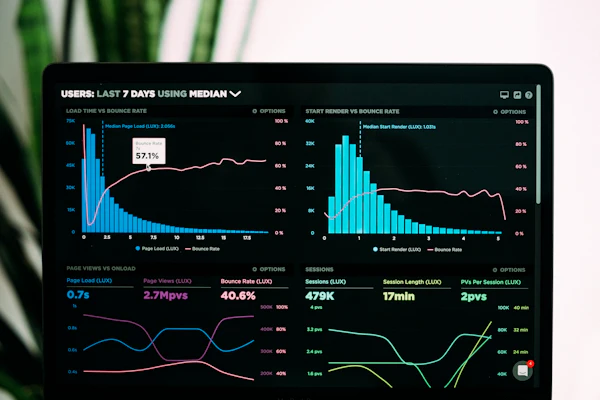
In the Google Business Profile dashboard, you can see how customers found your profile and what actions they took (website visit, get directions, phone call). Analyze this data to determine which areas need improvement. For example, if you get many direction requests but few calls, make your phone number more prominent.
Google Business Profile optimization is a low-cost and effective method to attract local customers. Managing your digital menu with the same care completes the customer experience. For example, with a system like qrmenu.link, you can keep your menu up-to-date via QR code and save on printing costs. Using such a digital menu as a menu link in your profile offers advantages in terms of both timeliness and hygiene.
Remember, your Google Business Profile is a living storefront; the more carefully and up-to-date you keep it, the more local customers you attract. Optimize your profile by implementing the steps and get ahead of your competitors.
Frequently Asked Questions
What happens if I don't update my Google Business Profile?
Outdated profiles lead to customer loss due to incorrect information. Also, Google shows inactive profiles lower in rankings. It is recommended to check and update at least once a week.
Should I delete negative reviews?
No, Google does not allow you to delete reviews. Instead, respond constructively. Responses showing you tried to resolve the issue leave a positive impression on other customers.
Is adding photos really important?
Yes, profiles with photos have up to 40% higher click-through rates. Customers don't want to visit a place without seeing it; quality visuals build trust.
Which categories should I choose?
Your primary category should accurately reflect your business type (e.g., Restaurant). Add secondary categories for your specialties (pizza, vegetarian, breakfast).
Is it mandatory to share posts?
Not mandatory but recommended. Sharing a post once a week keeps your profile active and attracts customer interest.